What Is PlanMate? A Complete Guide to the App
Understand PlanMate profiles, activity discovery, join requests, hosting, chat and verification before planning your first real-world meetup.

You have a free afternoon and an idea: a walk, a game, or coffee with a few people. PlanMate helps you turn that idea into an activity you can join or host. You can browse plans, read about hosts, request a place, and coordinate with participants once you are confirmed.
Start with what you would enjoy doing. The sections below explain how discovery, profiles, participation and hosting fit together, including the limits of account verification and paid checkout.
Start with an activity, not a perfect social profile
You do not need an impressive hobby list to have a useful profile. A specific, honest description gives other people something to respond to. “I enjoy beginner badminton and unhurried coffee conversations” is more helpful than a long list of interests you rarely pursue. Your profile should give a sense of what you would like to do without revealing your home address or daily routine.
PlanMate's onboarding asks for basic personal information, a city, and interests. It includes date-of-birth validation for an adult community, gender selection, and optional steps such as a bio and profile verification. The app is intended for people aged 18 and older. That age requirement should not be confused with independent proof of every member's age.
After setup, profile editing lets you revisit details such as your name, bio, interests, city, and photo. Keep the information current enough to make introductions straightforward. If you change your plans or interests, you can reflect that without writing an entirely new personal story. Our profile and account settings guide explains the controls in more detail.
Discover a plan that fits your real day
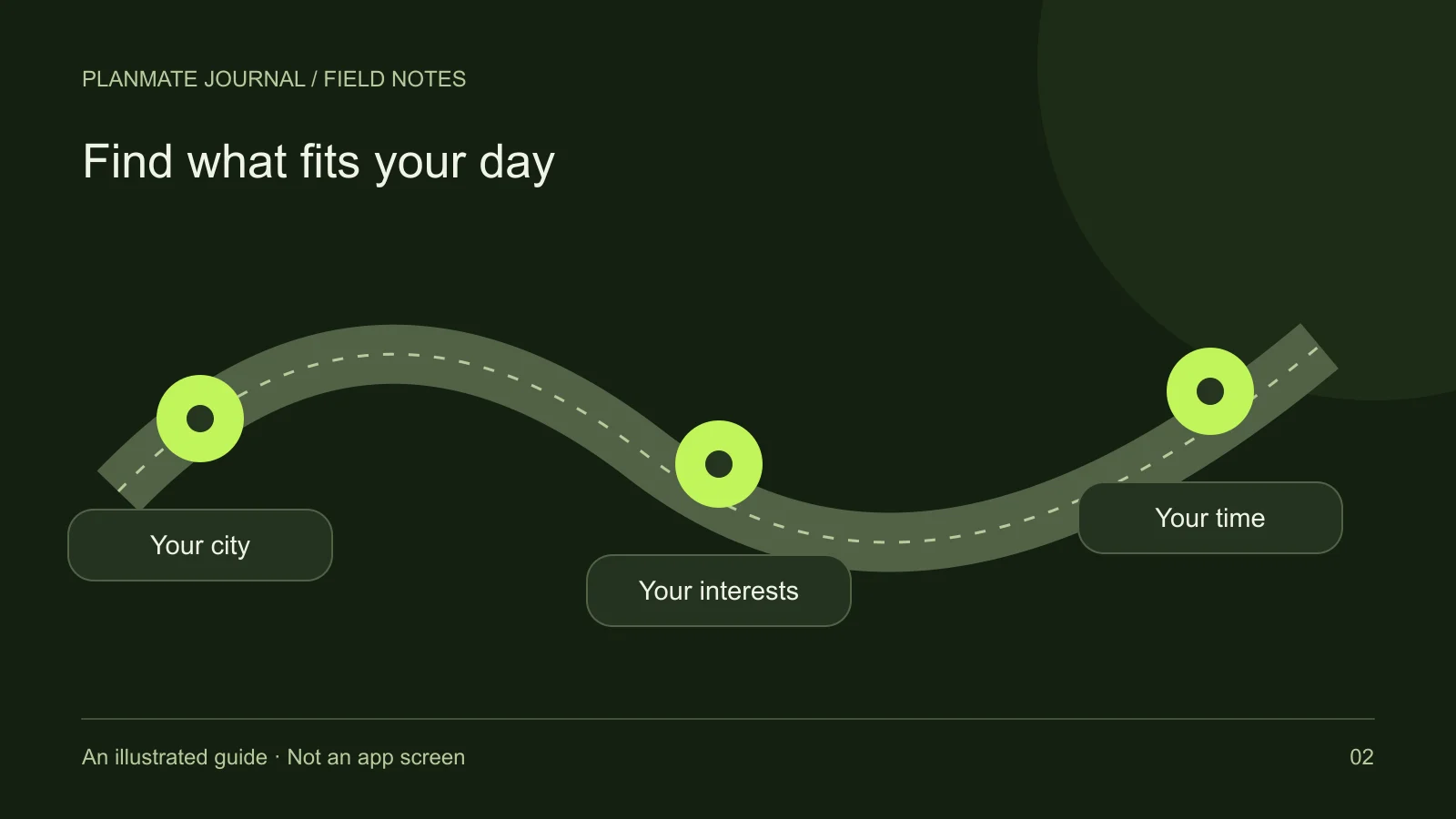
Home and Explore provide ways to browse activities. Discovery includes city-based context, categories, search, and sorting or filtering options. A good discovery session begins with practical limits: how far you can travel, what time you can arrive, how much energy you have, and whether the activity suits your experience level.
Distance is useful when location information is available, but a short distance does not automatically mean an easy journey. Check the actual venue and consider your route. A plan across a river, beyond a busy road, or away from evening transport may take more effort than its distance suggests. Treat discovery as a shortlist, then read the details.
Saving a plan lets you return to something interesting. It does not hold a place, send a join request, or tell the host to expect you. Likewise, liking an activity or following a person is a social action, not a reservation. When you are ready to participate, open the plan and use its joining flow.
Understand the difference between asking and joining
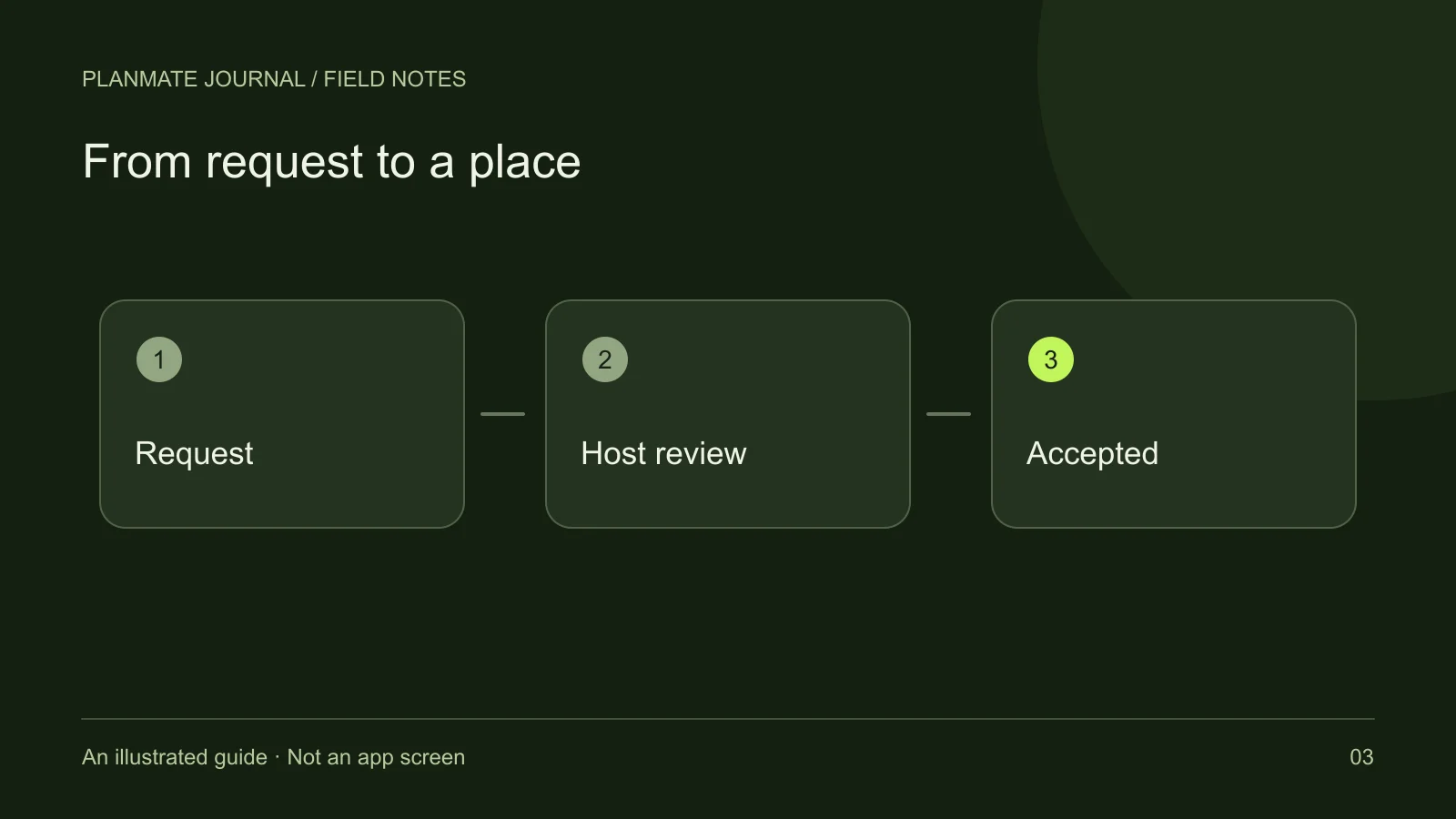
For a free activity, the app supports a request-to-join workflow. Your request can remain pending while the host reviews it. The host can accept or decline requests, and capacity affects whether there is room. Avoid arranging travel on the assumption that pressing the join button has already confirmed your attendance.
The app also contains a paid-booking flow. If paid checkout is offered for a particular activity, read the displayed amount, conditions, and resulting status carefully. A payment attempt and a confirmed place are different stages. This introduction does not establish that checkout is available in every release or that any particular payment method is live.
Once participation is confirmed, the activity experience includes tools such as group chat and a pass for attendance. Use the current plan information as your reference. A conversation with another member can be helpful, but it should not override a changed time, cancellation, or status shown in the app. See how to join a plan for a practical walkthrough.
Host something small and clearly described
Hosting means making the activity understandable enough for someone else to decide whether it suits them. Plan creation includes a title, description, category, location, date, time, duration, and participant capacity. Preparation notes and an experience level can make an invitation more useful. A modest plan with clear details is preferable to an ambitious one with unanswered questions.
For example, “Saturday sketch walk: beginners welcome” can explain a short route, a meeting landmark, what to bring, and what happens if it rains. That is an illustrative idea, not an existing PlanMate event. The goal is to show the sort of information a participant needs before requesting a place.
Hosts can review requests, edit activity details, manage participants, and cancel plans. These controls are responsibilities rather than promises of turnout. If circumstances change, communicate promptly and check the plan's status. The first-plan guide helps turn an idea into a manageable listing.
Use social features with realistic expectations
PlanMate includes following, activity likes, sharing, direct conversations, and activity group chat. Its media experience supports browsing images and video. These features can help you discover interests and coordinate participation, but they do not replace a clear activity description or a considerate introduction.
Keep early messages relevant and easy to answer. Asking whether a beginner needs equipment is more useful than sending repeated greetings. Respect people who do not reply or decline an invitation. A successful experience might simply be a pleasant hour doing an activity, rather than the beginning of a lasting friendship.
Treat verification as one piece of context
Profile verification includes a selfie submission and review process. A pending request is not approval, and completing a camera step does not by itself grant a verified badge. Verification should not be interpreted as a background check, a recommendation to trust someone, or a guarantee that every account is verified.
The app also includes reporting and blocking controls. For a first meeting, choose a setting you are comfortable with, arrange your own travel, and keep a trusted person informed if that helps you feel prepared. Read meeting new people safely before deciding how much information to share.
Your simplest next step is to browse one category, save a few realistic options, and read one plan carefully. If none fits, outline a small activity you could host. PlanMate is most useful when the digital actions lead to a clear, manageable plan—not when they create pressure to be constantly social.