Understanding Privacy, Blocking, and Reporting on PlanMate
Understand PlanMate's public profile choices, block controls, report categories and account deletion without assuming complete privacy or instant action.
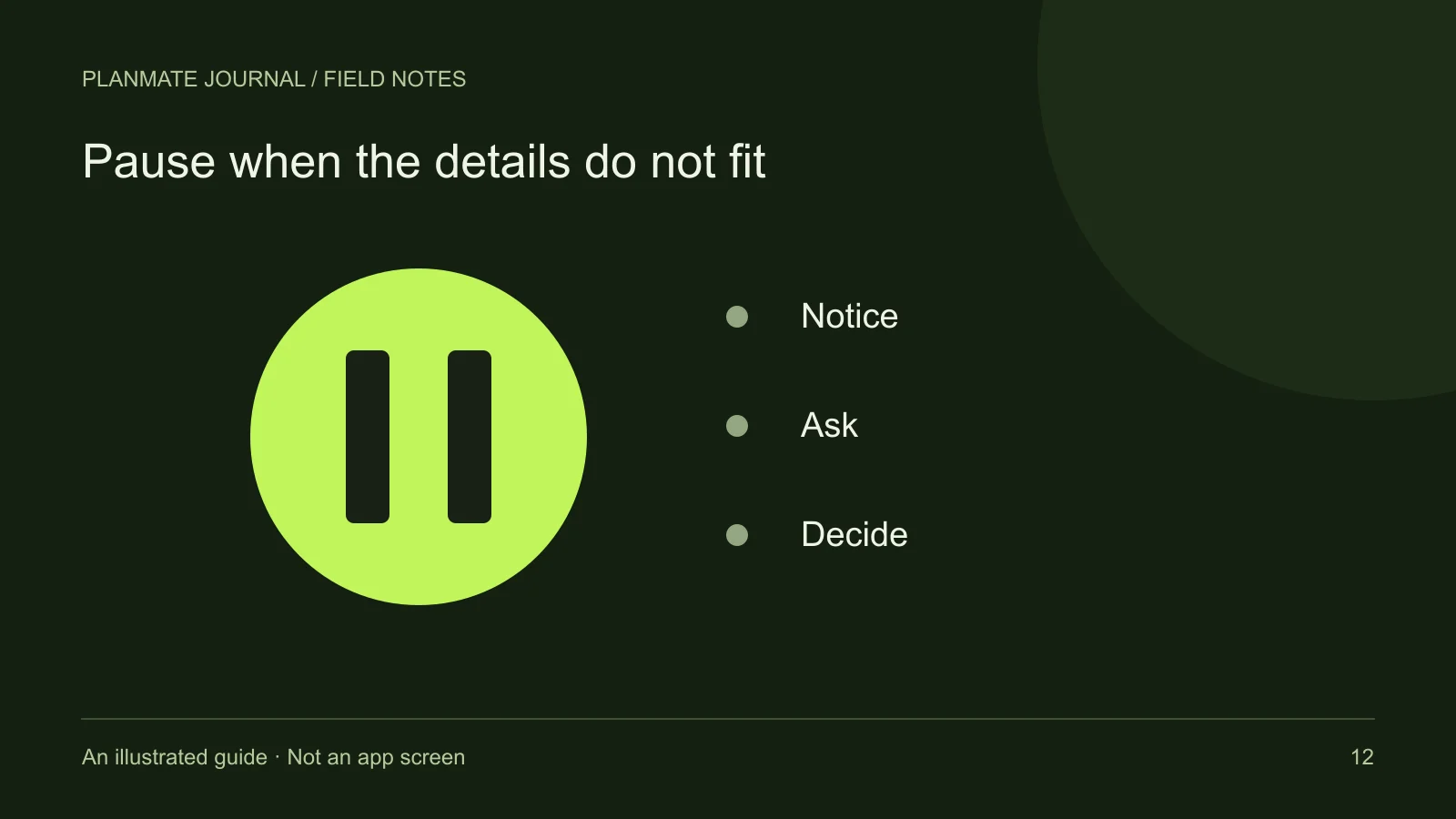
You want a conversation to stop. You also want the platform to review a message asking for your login code. Blocking and reporting can both be relevant, but completing one does not mean you completed the other.
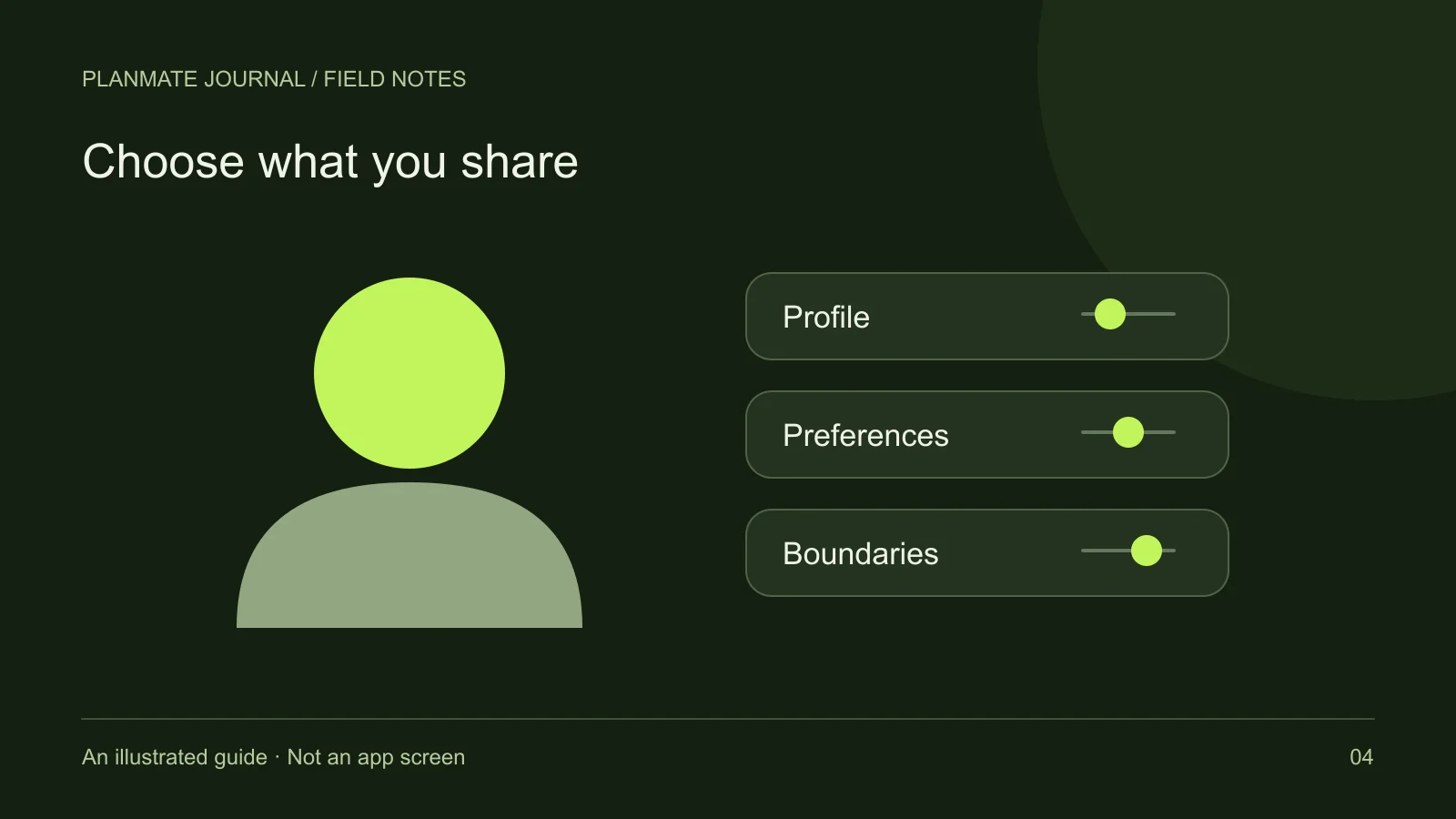
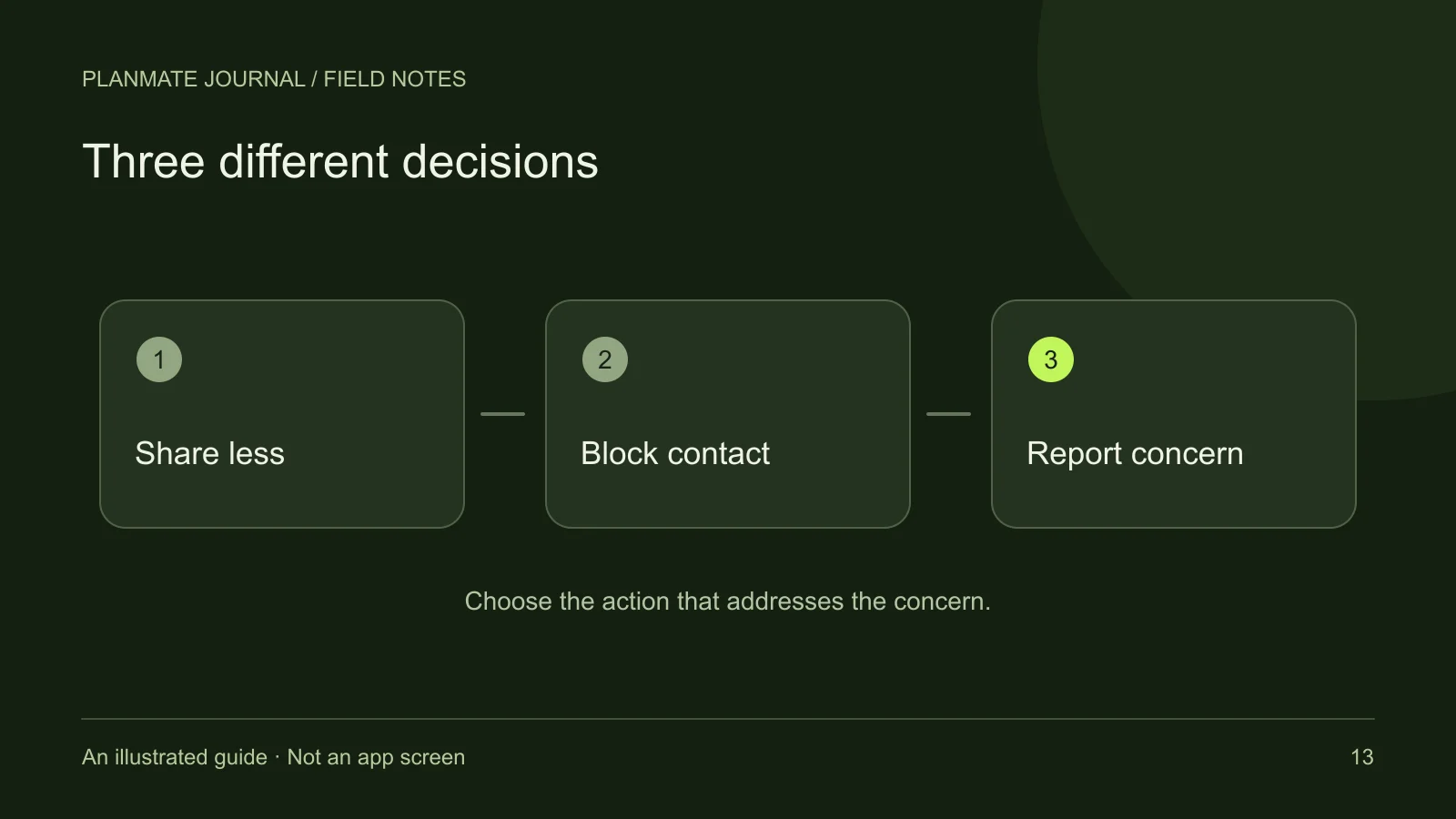
Privacy choices address what you disclose; blocking manages contact; reporting submits a concern for review. PlanMate also provides profile editing, a blocked-users list and account deletion. Choose the tool for the problem you want to solve, then check the result.
Decide what belongs on your public-facing profile
A useful profile can explain your interests and preferred activities without revealing a precise home location or routine. A city, a short bio, and a few current interests are often enough to give a prospective host context. You do not need to make your profile a complete record of your personal life.
Review your photo as carefully as your text. Background details can reveal an address, work badge, document, or another person's identity. Before uploading, ask whether you are comfortable with the whole image being viewed—not only the part you intended people to notice.
The existence of a privacy policy does not mean every field is hidden. Treat public-facing profile and activity content as visible information. If you need to understand how data is handled, read the current privacy policy rather than inferring privacy from the appearance of a screen.
Keep activity logistics separate from sensitive information
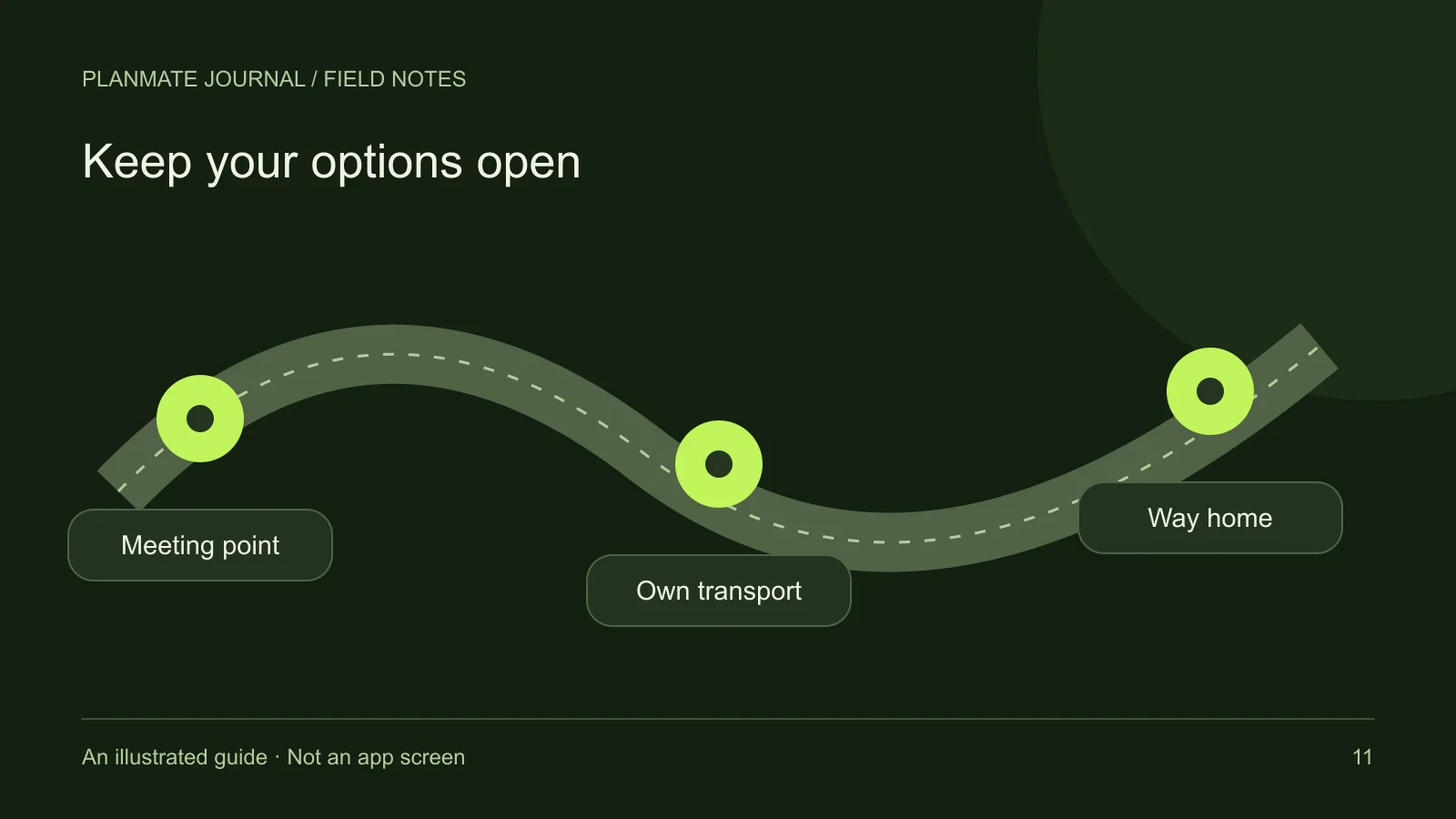
A plan needs a recognizable meeting point, timing, and preparation instructions. It usually does not need your private address, a building access code, identification documents, or another attendee's phone number. Explain the activity with the minimum information needed for people to decide and arrive.
Shared links and flyers can travel beyond their original audience. Sending a link to one friend does not guarantee it will remain with that person. Likewise, a saved plan is a personal shortlist action, not a private invitation. Read visibility and participation for those distinctions.
Group conversations also deserve care. Other participants can remember or copy what is shared, so do not assume that a small group creates absolute confidentiality. Ask before posting photographs or contact information that belongs to someone else.
Use blocking to establish an interaction boundary
PlanMate's safety controls include blocking and unblocking users, with a Blocked Users area in settings. Blocking is appropriate when you want to stop or limit an unwanted interaction through the platform's supported controls. You do not need to continue an uncomfortable conversation merely to explain your decision at length.
However, a block should not be described as universal disappearance. It does not retrieve screenshots, erase memories, or guarantee that people cannot encounter the same public place. Avoid promising another member that blocking will remove every trace of prior contact or resolve an offline concern automatically.
If you later choose to unblock someone, use the blocked-users controls deliberately. Unblocking is not an obligation to resume a conversation or accept an activity invitation. Your personal boundaries can remain unchanged even when an account-level setting changes.
Use reporting to describe a specific concern
The reporting system supports concerns about users, activities, messages, and stories. Categories include issues such as spam, harassment, impersonation, suspicious offers, and privacy violations. Choose the category that best matches the behavior rather than using a more dramatic label to seek faster attention.
Describe the relevant facts clearly: what happened, where it occurred in the app, and why it concerns you. Separate what you observed from what you suspect. For example, “This message asked me to share my login code” is more precise than a broad claim about the person's identity.
Include only necessary information. Do not add unrelated personal details about another person, publish the report publicly, or encourage others to confront them. A report is a request for review. It is not proof that a violation has already been established or a promise that a specific action will follow immediately.
Blocking and reporting can both be useful
If a conversation is unwanted, blocking may address your immediate interaction boundary. If it also contains a safety concern, reporting may help the platform review the behavior. Check that you have completed each action you intend to take instead of assuming a block automatically submits a report.
For an activity-related issue, leaving the plan or contacting the host may also be relevant. Those actions are separate from reporting. If a paid booking is involved, review the applicable booking and refund process rather than expecting a report to automatically change a transaction.
If you are facing immediate danger, prioritize getting help in your local setting. App moderation is not an emergency response service. You can use reporting afterward when it is appropriate and safe to do so.
Review notification and account choices
Notification preferences can reduce unwanted interruptions without requiring you to leave the app. PlanMate includes push and email settings, while device permissions also affect push delivery. Muting interruptions is not the same as blocking a person or deleting an account, so choose the control that matches your goal.
Profile editing can remove information you no longer want to display. Check the saved result and remember that changing a field does not necessarily remove copies someone already made. If your concern involves broader data handling, use the information and contact options in the privacy policy.
For a complete tour of the editable fields and appearance controls, read profile and account settings. Small, deliberate changes are often more useful than making a drastic account decision before identifying the problem.
Understand deletion as a separate process
Account deletion has an explicit confirmation flow and eligibility checks. Hosting active upcoming plans with participants can require attention before deletion proceeds. Resolve those responsibilities through the app's supported actions so other people are not left with an apparently active gathering and no host.
Deletion is not the same as signing out, removing a profile image, blocking someone, or leaving a single activity. Read the account deletion page and current privacy information before confirming it. This guide does not promise unconditional immediate erasure of every record.
If a control fails or its result is unclear, contact support with a concise account of the problem. Do not include passwords, one-time codes, or unnecessary private images. The most useful privacy habit is knowing what you are trying to change, choosing the relevant tool, and checking the result.