Plan Visibility and Participation: What to Check Before Joining
Learn why seeing a plan, saving it, receiving a shared link and becoming a confirmed participant are different steps in meetup planning.
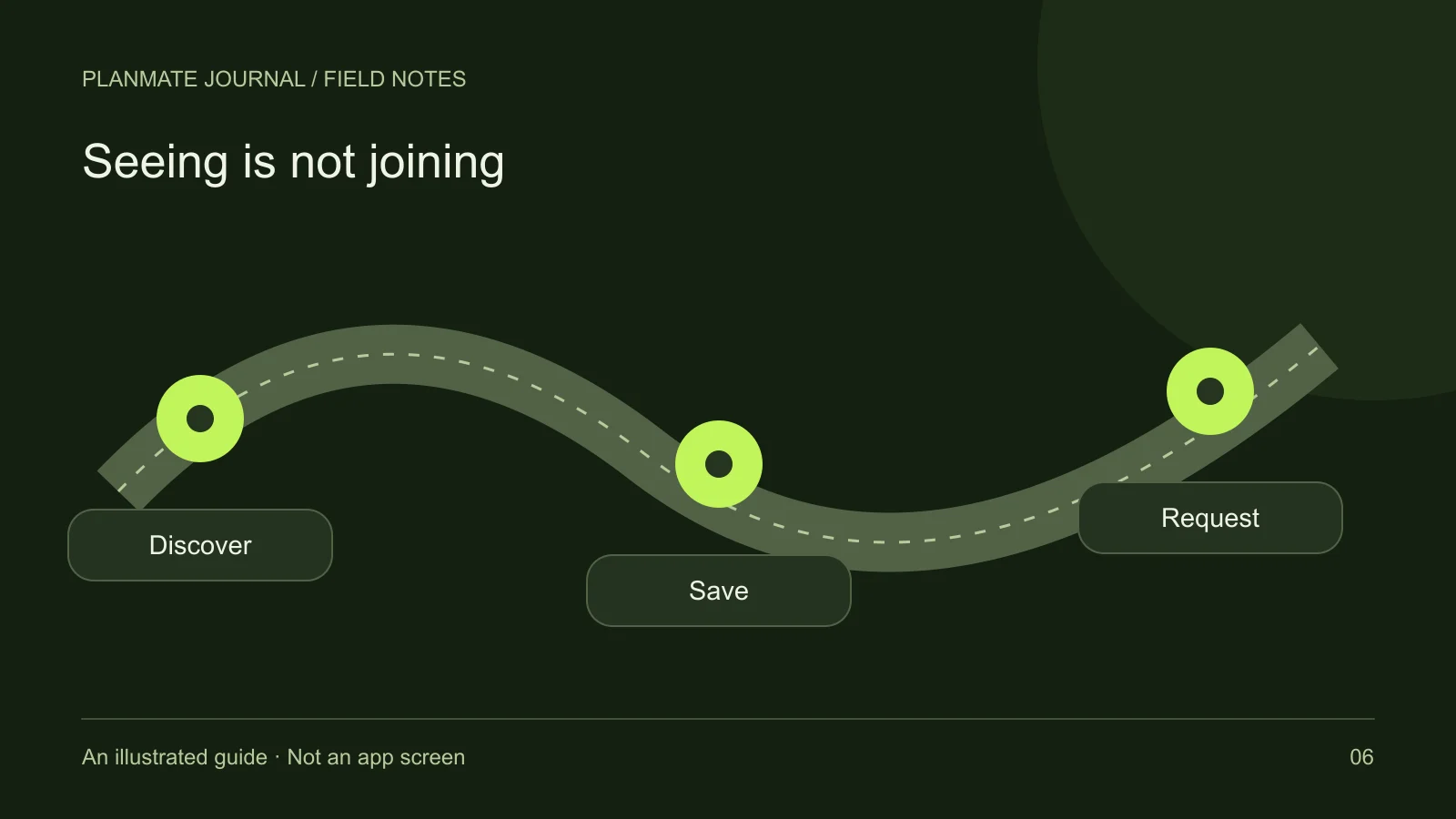
A friend sends you a PlanMate link. You open the listing and save it for later. So far, you have found information and added it to your shortlist; you have not reserved a place.
PlanMate’s reviewed creation flow publishes public plans. Joining follows its own request or booking process. Here is what discovering, saving, sharing and confirming a plan each mean for attendance and privacy.
Visibility is about finding information
A discoverable plan lets people encounter an activity through the app's browsing experience or a shared link. The listing can help a prospective participant evaluate the subject, host, location, timing, and preparation. Visibility is useful because people need enough information to decide whether to express interest.
However, visibility should not be mistaken for a personal invitation. A public plan may have limited capacity or require host acceptance. The host may also cancel or update it. Reading a listing gives you context; it does not create a commitment from either side.
For hosts, the practical lesson is to write public-facing details carefully. Avoid publishing personal addresses, access codes, private contact information, or someone else's identity documents. A label such as “secret location” does not create technical privacy. If a detail must remain confidential, do not assume the description field protects it.
Saving is about your own shortlist
Saving a plan helps you return to it later. It is useful when you are comparing an afternoon walk with a café gathering or waiting to confirm your schedule. You can keep a manageable shortlist without sending requests to every host whose activity looks interesting.
The key limit is that saving does not reserve capacity. If the plan fills while you are deciding, the saved state does not entitle you to a place. It also does not mean the host knows you are likely to attend. Use the joining flow once you are ready to ask for participation.
Try adding your own decision rule: save only plans you could realistically attend, then check them again before the day you need to decide. This keeps the shortlist useful rather than turning it into a collection of attractive but impractical possibilities.
Sharing is about reaching the listing
PlanMate includes sharing tools and plan flyers. A shared link can help someone find the same activity you are discussing. That is convenient when a friend asks what you are planning, but it does not automatically give them a place or make their attendance part of your own confirmation.
If a friend wants to join, they should follow the appropriate account and participation process. Ask the host before bringing anyone who is not on the confirmed list. A small table or equipment-dependent activity may not accommodate an extra person, even if they are enthusiastic and know an existing attendee.
A sharing link also should not be described as an invite-only security boundary. Links can be forwarded. Do not include sensitive information in a flyer because you intend to send it only to a few people. Write it as something that may reach a wider audience.
Requests are about expressing an intention
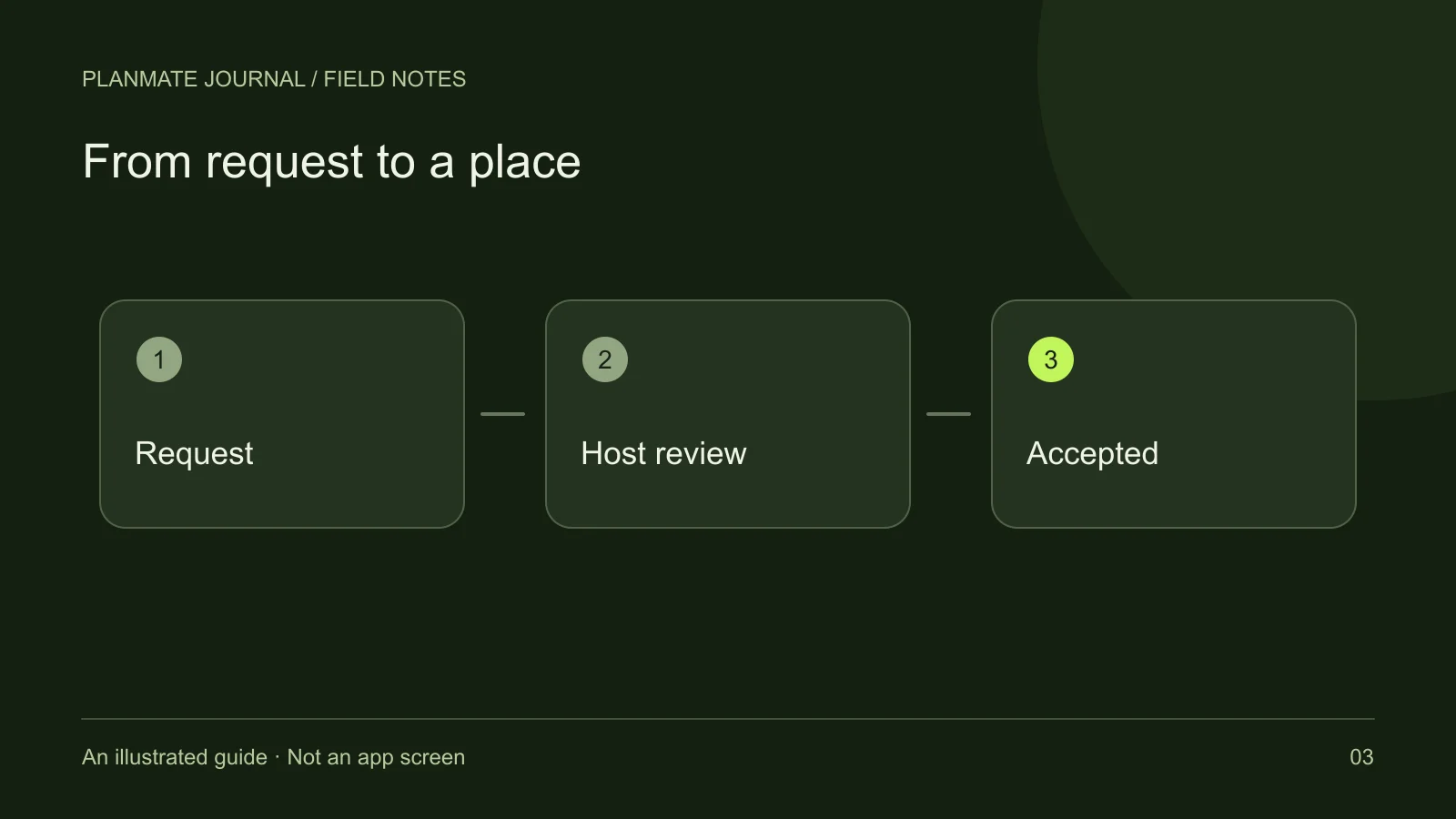
For a free plan, the app supports requests that the host reviews. A request tells the host you would like to participate. It can remain pending, become accepted, or be declined. Until it is accepted, you should not behave as if the host has confirmed a place for you.
If you have a relevant question, ask it clearly rather than adding multiple duplicate requests. For example, “I can arrive at the start but need to leave after an hour; would that fit the format?” gives the host something concrete to answer. Do not expect the host to infer your needs from a profile alone.
A decline or full state is a practical outcome, not a reason to bypass the process. Consider another activity or plan something that suits your own circumstances. The joining guide explains how to read the status messages without turning them into assumptions.
Confirmation is about a specific activity
Accepted participation applies to the plan you joined. It does not automatically extend to future activities, friends you want to bring, or unrelated conversations. Likewise, following a host is separate from being accepted into their next plan.
If paid checkout is offered, check the resulting booking status. A transaction in progress is different from confirmation. This article does not establish that checkout is available in every app release or region; it explains why the status must be read independently from the intent to pay.
After confirmation, keep checking the activity details. A changed time or venue may affect your ability to attend. Use the appropriate leave or cancellation process if you can no longer participate, and do not assume that leaving a group conversation changes a booking or completes a refund.
Privacy is about more than an audience label
Even when you communicate only with a small group, people can remember, copy, or share what you tell them. A platform setting cannot guarantee that a personal story, photograph, or phone number will remain confidential. Share only what is necessary for the activity and comfortable for you.
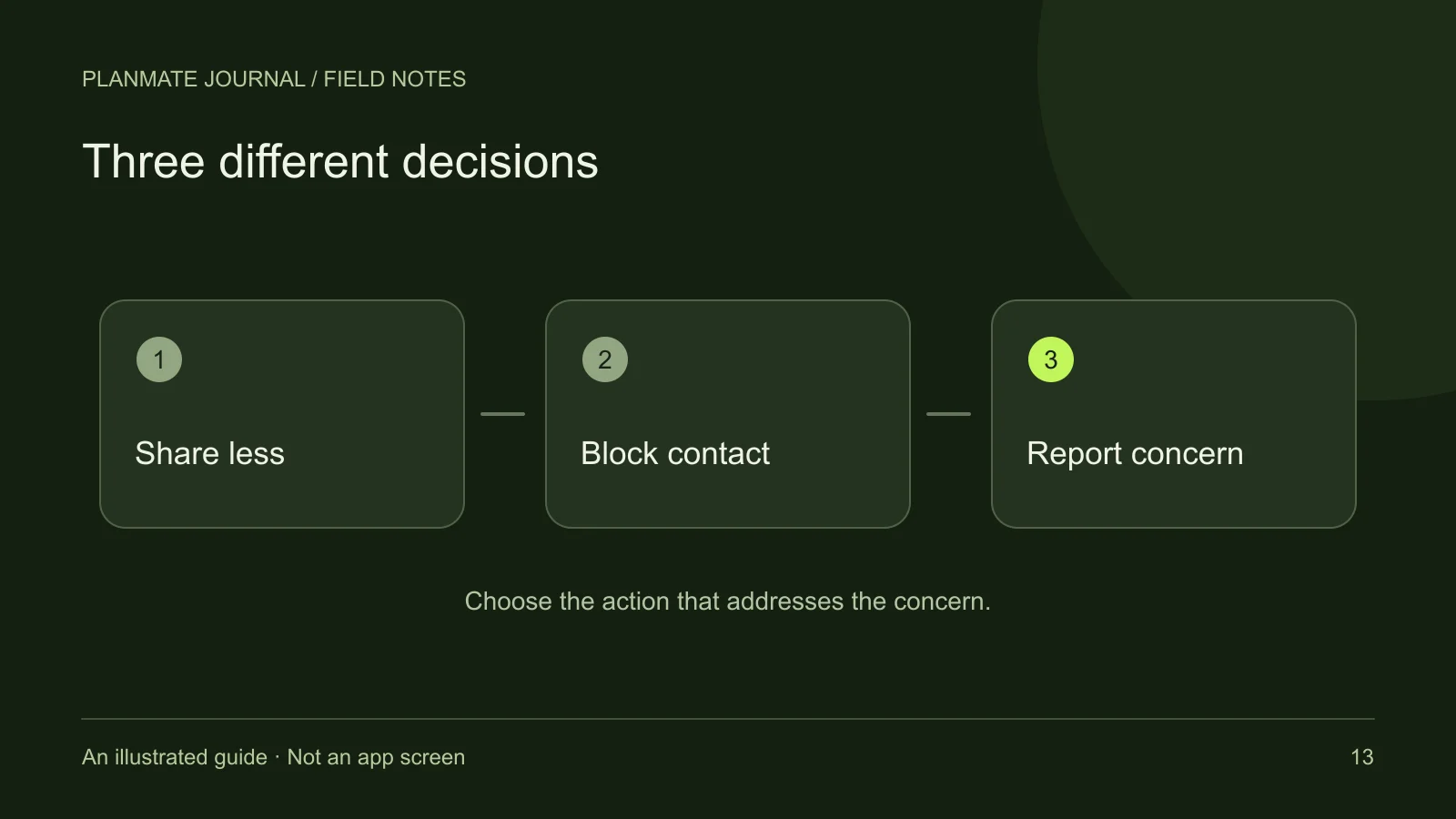
Blocking can manage an interaction boundary, and reporting can bring a concern to the platform's attention. Neither should be interpreted as a promise that all previous copies disappear. Read privacy, blocking, and reporting for the supported controls and their limits.
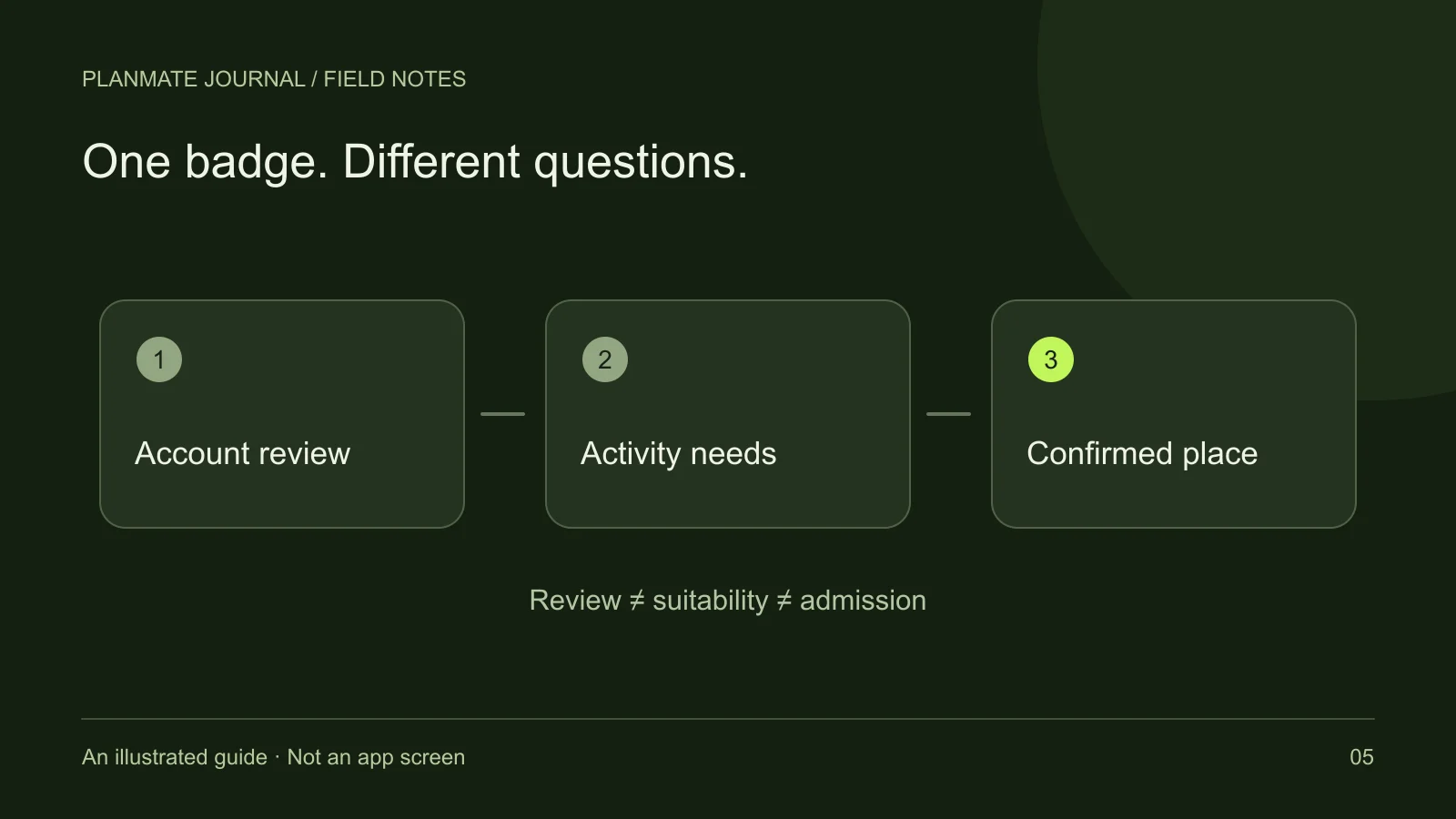
Before posting or joining, ask three separate questions: Who may see this information? What action confirms participation? What personal information am I choosing to disclose? Keeping those questions separate prevents a public listing, a saved card, or an attractive badge from doing more work in your mind than it actually does in the app.
For hosts, clear language is the simplest improvement. Say “Request a place” when review is needed, “Check your confirmed status” before arrival, and “Ask before bringing another person.” Those small distinctions make the activity easier to understand without inventing privacy or access features.