How PlanMate Booking and Attendance Work
Understand PlanMate requests, confirmed participation, conditional paid checkout, QR passes and host check-in as distinct activity stages.
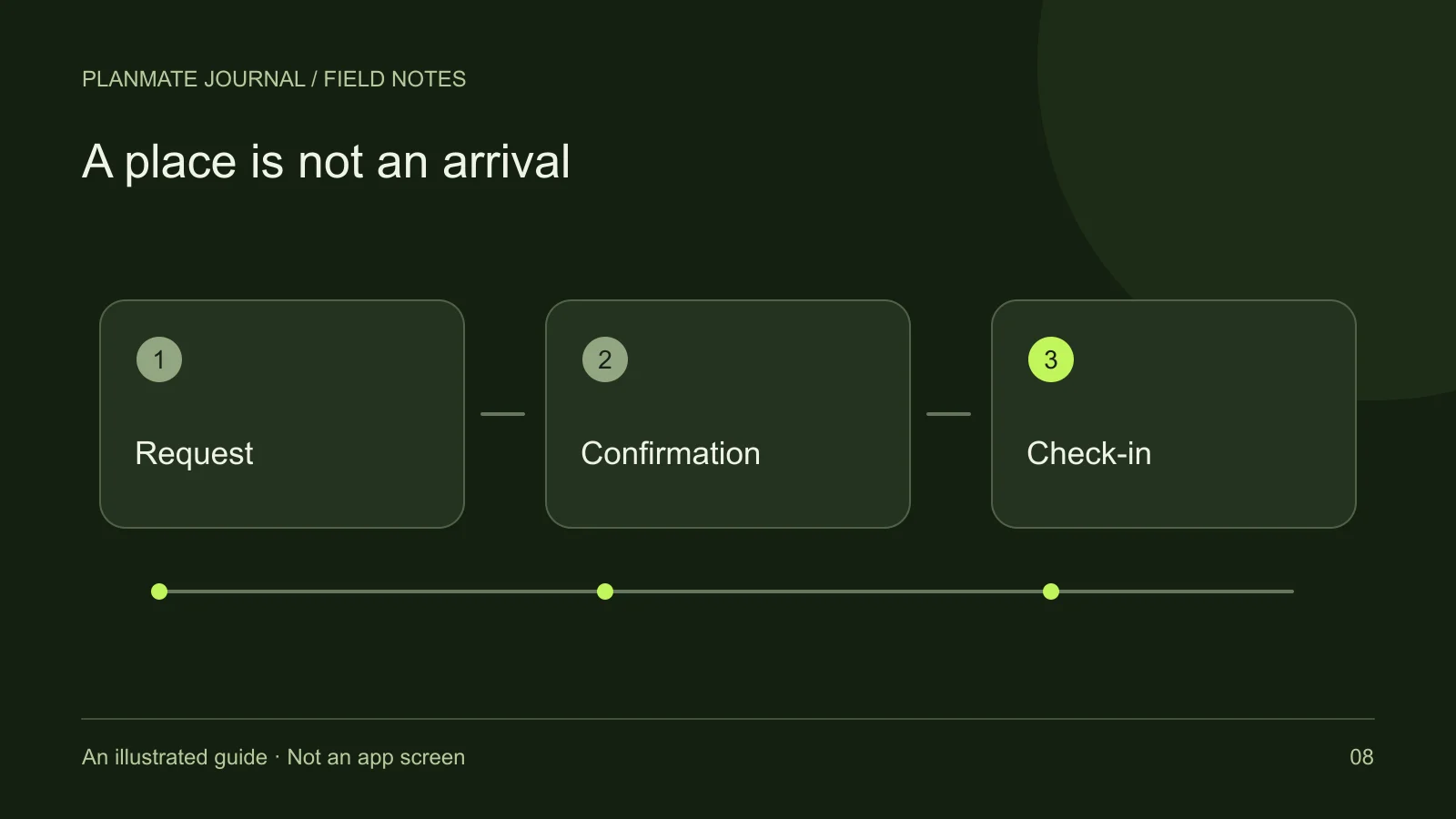
“Pending,” “confirmed” and “checked in” describe different moments. Before leaving home, you need confirmation for the right activity. At the venue, your pass helps the host record arrival. Mixing the two can leave a participant expecting a place they do not yet have.
PlanMate has a free-plan request flow and a separate paid-booking implementation. Where checkout is offered, read its current terms and resulting status. The sequence below explains participation and attendance without assuming a payment provider or payout service is live.
The free-plan path begins with a request
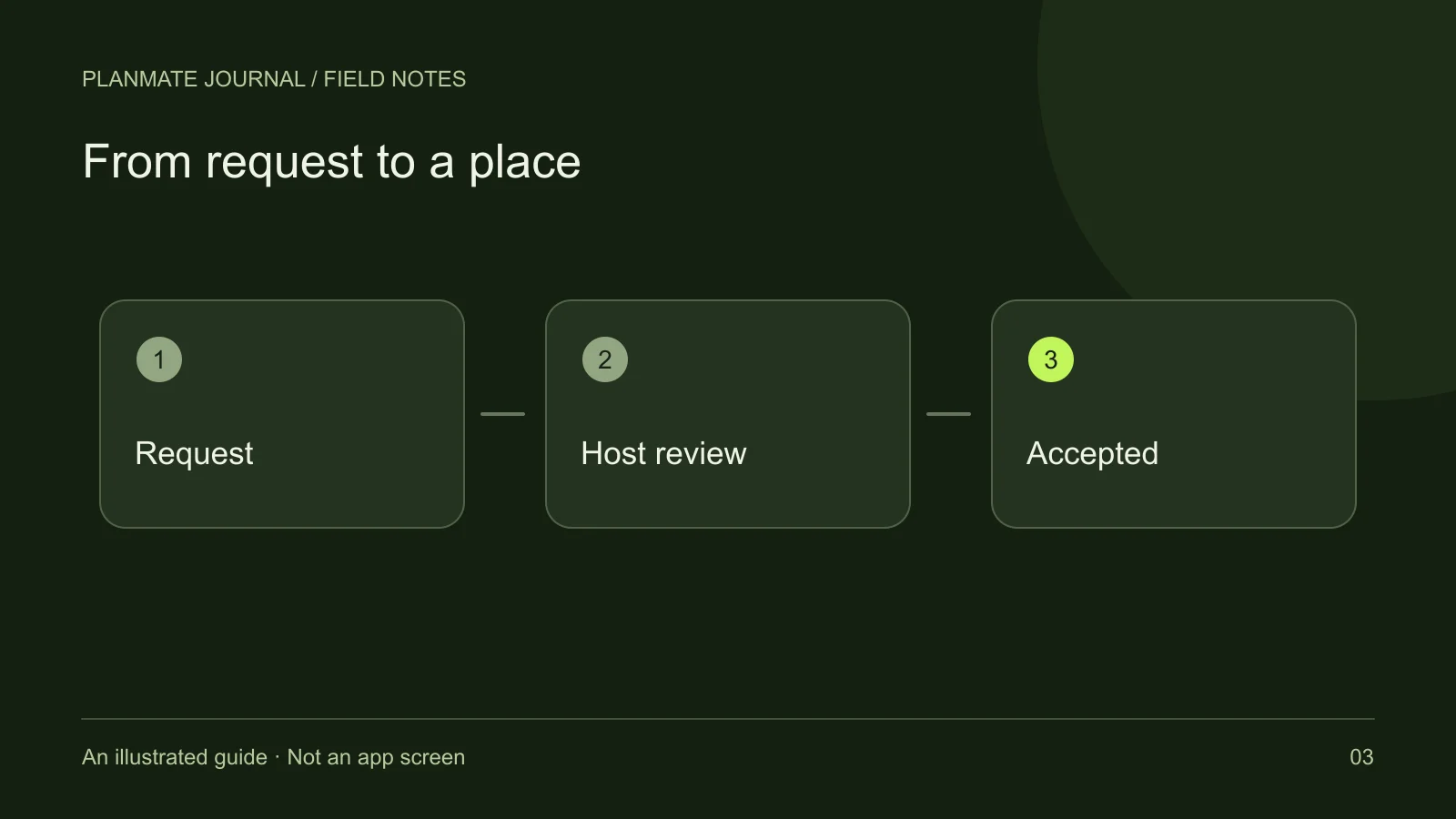
For a free activity, the participant asks to join and the host reviews the request. The app can show pending, accepted, declined, and full states. A request is an expression of intent, while acceptance establishes participation for that activity.
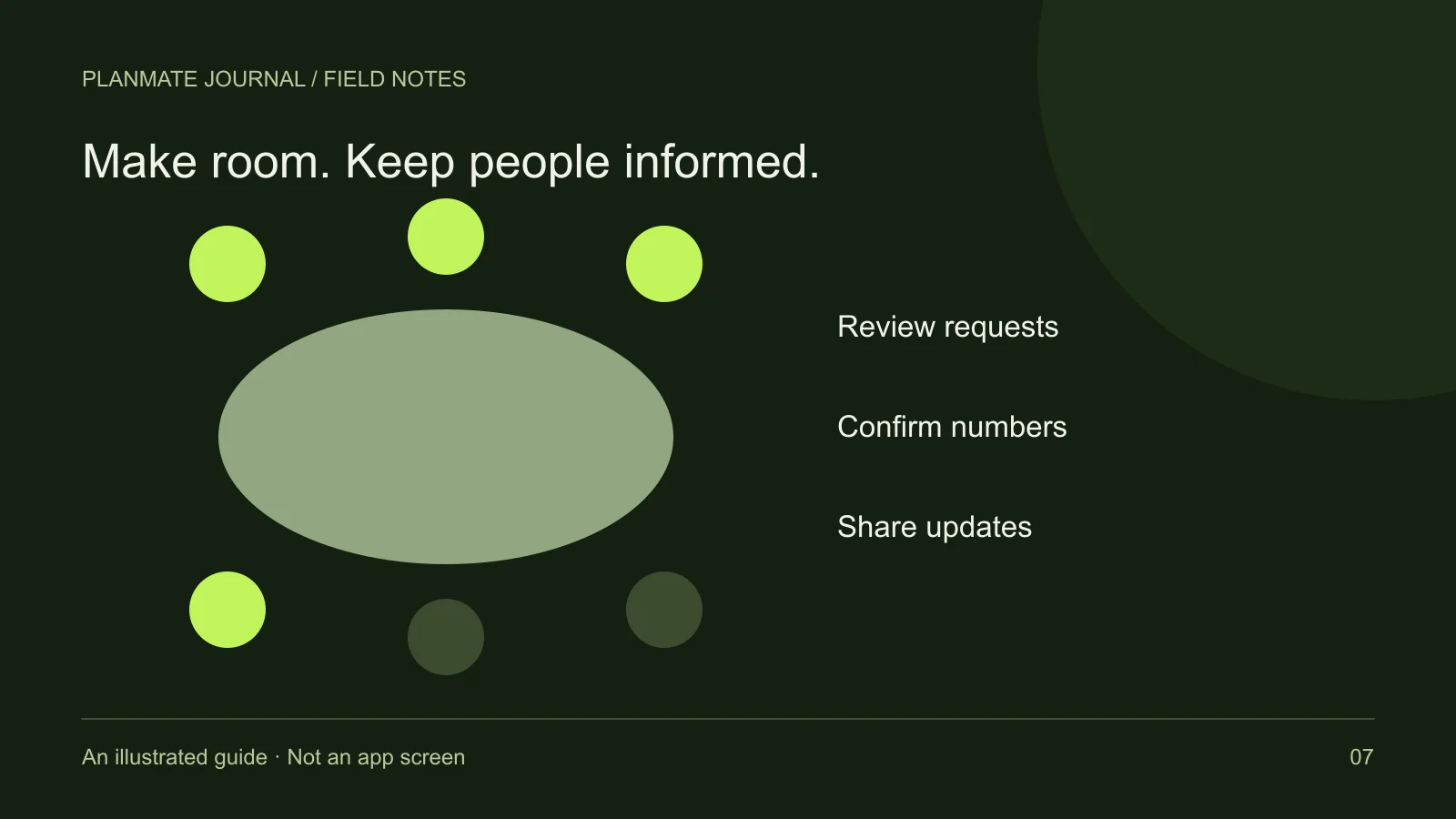
The host's review helps manage a limited group. It does not mean every accepted person has passed a background check, and it should not be confused with profile verification. A host can also be responsible for practical constraints such as seating, equipment, or the activity's format.
If your request is pending, avoid making irreversible arrangements solely because you tapped the join action. Check again before leaving and respect the result. If you no longer want to participate, use the offered controls and communicate appropriately rather than leaving the host to guess.
Paid checkout adds a transaction stage
If paid checkout is offered for an activity, the app distinguishes a pending-payment booking from a confirmed booking. The amount and currency displayed in the flow deserve a careful read. Do not infer a final result from the fact that you opened checkout or selected a payment method.
A transaction can require confirmation before participation is reflected in the app. If a result is unclear, check the current booking state and seek support with the relevant reference. Do not post private payment details in a public activity discussion or send another payment simply because a screen has not refreshed immediately.
The existence of a paid-plan flow does not establish that all checkout options are available, that a merchant account is approved, or that host payouts are operational. This article deliberately makes no such claim. Use only the options and terms presented through the supported flow.
Confirmation is the point to prepare for attendance
Once your participation is confirmed, review the activity details again. Check the start time, meeting point, expected finish, equipment, and any relevant updates. A plan you saved several days ago may have changed before your request was accepted.
Use the activity communication tools for specific coordination. If you will be late, say what the host needs to know without sharing an unnecessary live history of your movements. If the group will leave the meeting point promptly, ask whether a late arrival is workable rather than assuming it is.
Confirmation is not permission to bring extra people. Each person should follow the required participation process, and the host should know the actual numbers. A friend opening the same link has not automatically inherited your place.
The pass helps the host record arrival
PlanMate's attendance experience includes a participant pass and QR scanning by the host. Open your own current pass when the host asks for it. Keep enough battery and connectivity for the app experience you need, and avoid assuming that an old image will remain valid indefinitely.
The scan can return different outcomes, including a valid check-in, a pass that has expired, or a pass that was already used. A repeated scan is not a second reservation, and a pass for one activity should not be treated as access to another. Follow the current instructions if a result is unexpected.
For the host, check-in is an attendance record rather than a complete safety assessment. Welcome participants and help them understand where the group is gathering. A technically successful scan does not tell you whether someone needs an accessibility adjustment or has a question about the activity.
Know what check-in does not mean
Checking in does not require you to share a phone number, appear in photographs, stay longer than planned, or accept a major change to the activity. You can maintain boundaries after arriving. If something feels uncomfortable, you do not need a technical error or an official status change to justify leaving.
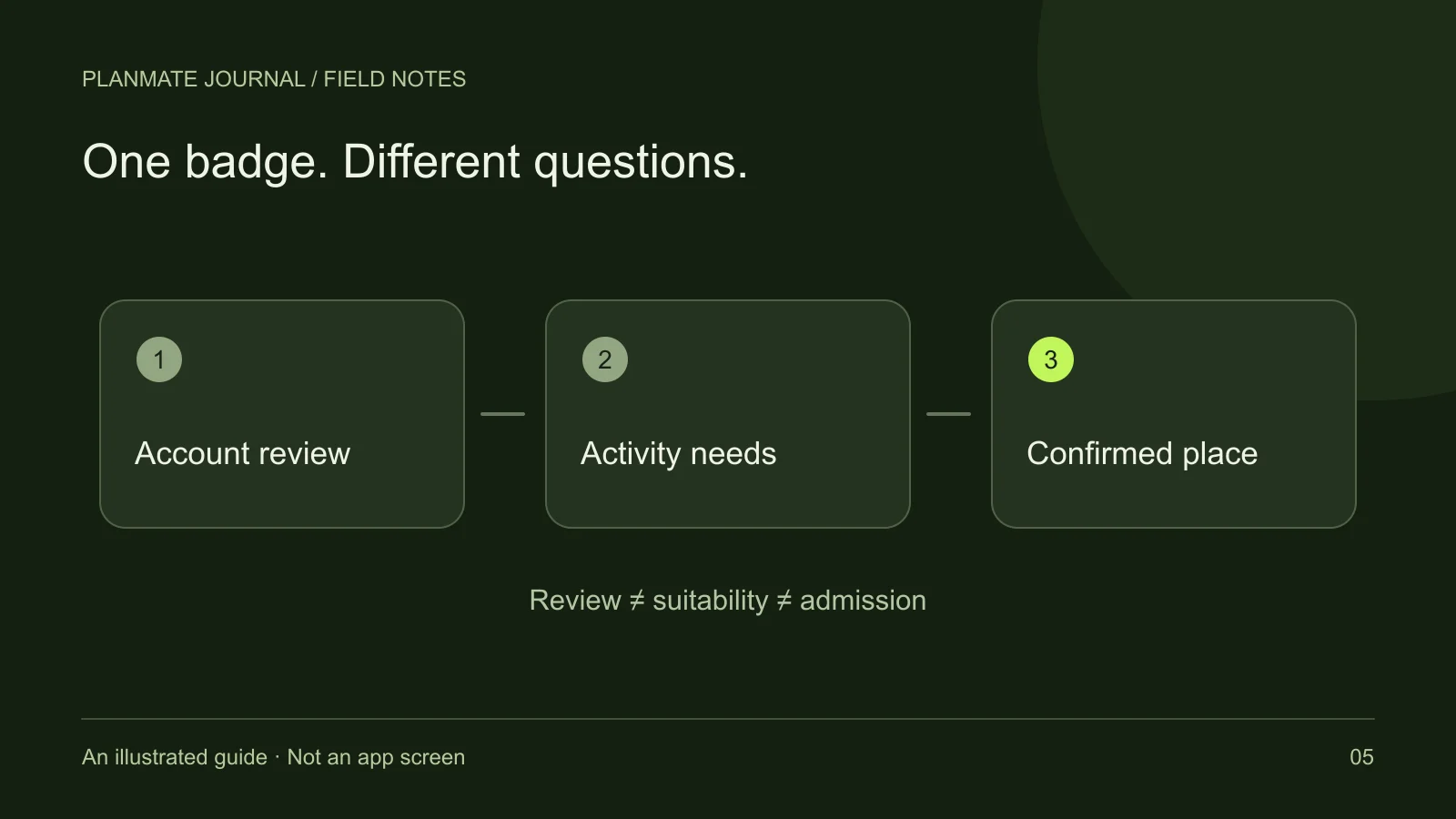
A pass also does not certify the quality of the activity. It is a tool for confirming participation and recording arrival. Likewise, a verified profile badge and an attendance pass answer different questions. Read verification and meetup eligibility if those signals seem interchangeable.
Hosts should avoid describing check-in as proof that everyone has been screened for every possible concern. Practical safety still depends on clear expectations, attention to behavior, and a suitable meeting setting.
Cancellation, leaving, and refunds are separate
If you cannot attend, use the appropriate leave or cancellation controls. A message in a conversation may be courteous, but it is not necessarily the action that changes your participation record. Check the resulting state rather than assuming the host has manually completed every step for you.
For paid bookings, refund handling is a separate process with its own conditions and status. Do not assume that closing a pass, leaving a chat, or being removed from a participant list guarantees reimbursement. Refer to the current refund and cancellation policy and contact support when the result is unclear.
If the host cancels, review the updated activity and any instructions that apply to you. Keep relevant information available, but avoid making claims about provider settlement times based on another participant's experience. Different stages may complete at different times.
A simple status checklist
Before travelling, ask whether the app shows you as confirmed for the correct activity. Before arriving, check the latest venue and time. At the venue, use your own current pass and follow the host's check-in process. If your plans change, use the appropriate participation controls and review any separate booking implications.
For example, imagine you requested a free afternoon game session yesterday. Today the request is still pending. Saving the activity, following the host, and sharing the link with a friend do not change that pending status. The next useful action is to check for a decision or choose another plan—not to arrive with an extra guest.
That small habit of checking the exact stage prevents many avoidable misunderstandings. Continue with how to join a plan for the participant walkthrough or host participant management if you are organizing the activity.