How Hosts Can Manage Participants and Activities on PlanMate
A practical host guide to join requests, participant communication, editing plans, cancellations and attendance without overpromising capacity.
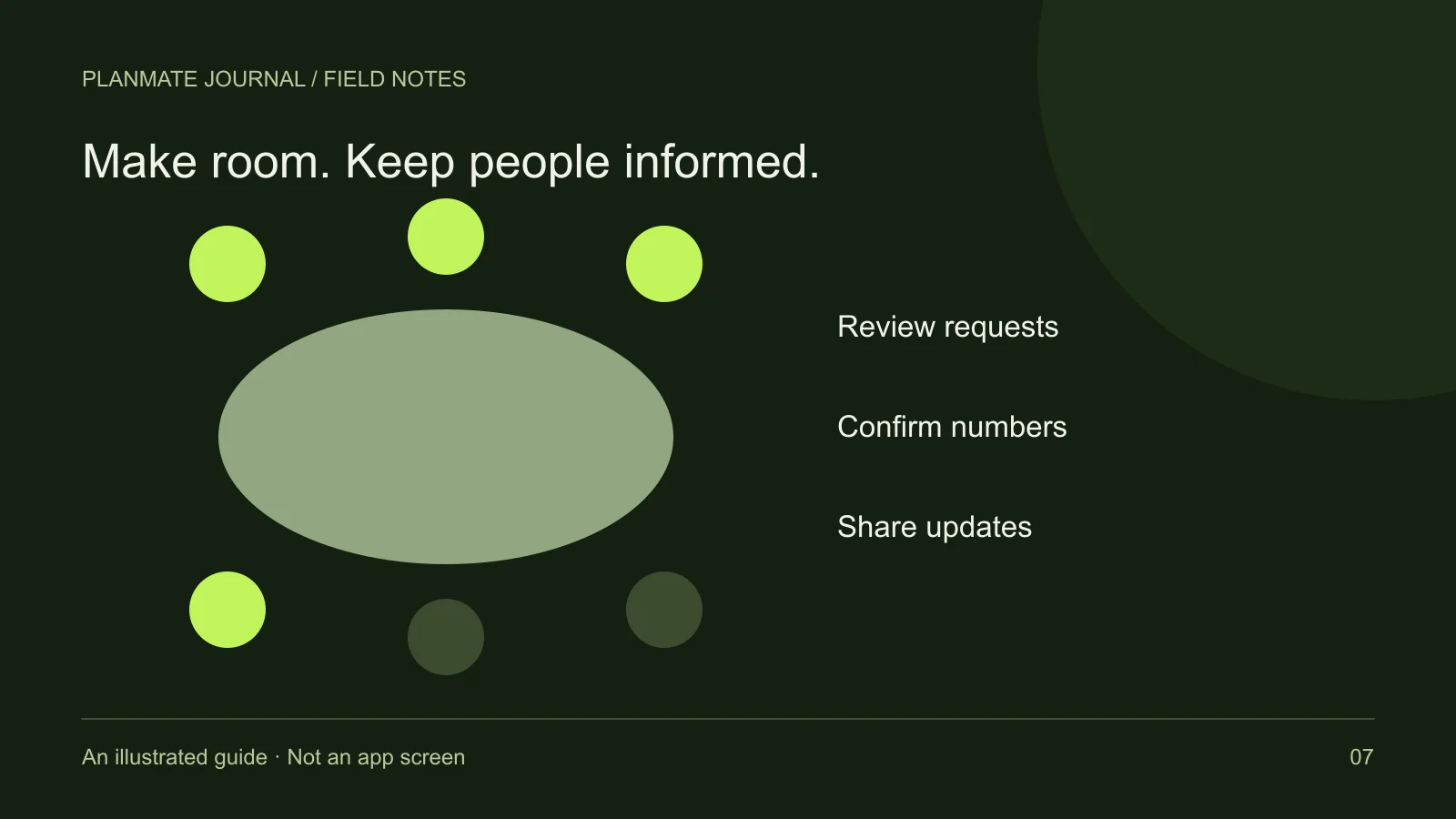
Three people have requested a place, two are accepted, and one asks to bring a friend. For a host, those are three different decisions—not a headcount of six. Start with the current accepted list and the space you can actually offer.
PlanMate’s host tools cover request review, participant management, edits, cancellation and attendance. The practical work is keeping those records and the information people receive consistent as the activity approaches.
Keep requests separate from confirmed attendees
For free plans, requests can be accepted or declined by the host. A pending request means someone has asked to join; it does not mean they are already an attendee. When estimating numbers, refer to the current accepted participant list rather than combining every expression of interest into one total.
Review requests in relation to the activity's actual format and capacity. If you are waiting for venue confirmation, explain that when appropriate instead of leaving people to assume an immediate answer. Do not promise a place you cannot reasonably accommodate.
Capacity is not just a number in a form. Consider available seating, equipment, the ease of introductions, and whether you can communicate with the whole group. A café discussion can become difficult long before a room is physically full. Your practical hosting limit may be smaller than the largest number the app allows you to enter.
Respond with clear, activity-related language
An acceptance should lead to understandable next steps: where to meet, what to bring, and where to find updates. A decline should not become a public assessment of someone's personality. Keep decisions respectful and relevant to the activity rather than using appearance or assumptions as explanations.
When a participant asks a question, answer what is missing from the listing. If several people ask the same thing, improve the description or send a clear group update. Repeating a vague instruction privately to each attendee creates work without improving the shared understanding.
For example, “Meet at the east entrance beside the information sign at 10:00; we leave at 10:10” is more useful than “Find us when you arrive.” This is an illustrative instruction, not a recommendation for a particular venue or a live PlanMate event.
Use group communication for coordination
Activity group chat can help confirmed participants coordinate. Keep the important information concise enough to find again. A short summary of the meeting point, time, preparation, and contingency is more useful than a long conversation in which the practical details are scattered.
Avoid requiring members to publish personal numbers or move to another communication channel merely to receive basic instructions. Some people prefer to keep early meetup communication within the app. Respect that boundary and do not treat it as a lack of enthusiasm.
Set a reasonable expectation about your availability. You may not be able to answer messages while travelling or leading the activity. Giving a clear arrival instruction reduces dependence on an instant response. Notifications can help, but they are not a guarantee that everyone has read a change.
Edit plans with the participants in mind
Hosts can edit activity details through the management flow. Before changing something important, consider how it affects people who have already committed. A later start, a different venue, or a more demanding format can make the activity unsuitable for someone who joined the original version.
Update the listing and communicate the change clearly. Identify what changed instead of sending a generic “Please check the plan” message. If a person can no longer attend, make room for that decision without pressuring them to justify their circumstances.
Do not use editing to turn one activity into an unrelated event after people have joined. If the purpose has changed substantially, a new plan may be clearer than treating the original acceptance as consent to the replacement. The app's controls are not a substitute for fair communication.
Handle participant removal thoughtfully
The host request-management experience includes participant removal. That control may be useful when a person's participation needs to end, but it should be exercised with care. Make the decision based on the activity's requirements or specific behavior, not a public argument or an attempt to embarrass someone.
If a safety concern is involved, use the relevant reporting tools as well. Removing a participant and reporting a concern serve different purposes. A report should describe what happened and provide relevant context without exposing unrelated private information to the group.
For a paid activity, do not assume removal automatically settles a refund or every associated record. Payment and refund states require separate handling according to the current policy and support process. This guide does not promise a particular refund outcome or live payout capability.
Cancel clearly when the plan cannot go ahead
Cancellation is sometimes the responsible choice. If the venue becomes unavailable, the weather makes the activity unsuitable, or you cannot host, use the activity cancellation process and communicate promptly. An apparently active plan with an absent host is harder for participants to interpret than an explicit cancellation.
Distinguish cancellation from deletion. The goal is not merely to make the listing disappear; it is to let affected people understand what happened and what they should do next. Keep the explanation concise and avoid promises about automatic reimbursement that you have not verified.
If you want to suggest another date, present it as a new decision for participants. Do not assume everyone who accepted the first date can attend the second. A considerate host makes declining a replacement easy.
Use attendance as a practical arrival tool
PlanMate includes participant passes and a host scanning flow. At the venue, use the current attendance process rather than treating a screenshot of an old conversation as proof of participation. If a scan reports a problem, check the result calmly and follow the supported resolution path.
Do not make check-in feel like a performance. Welcome the person, confirm the practical details, and give them a simple next step. After the activity, consider what would make the next gathering easier: a clearer entrance, a smaller group, or a better explanation of equipment.
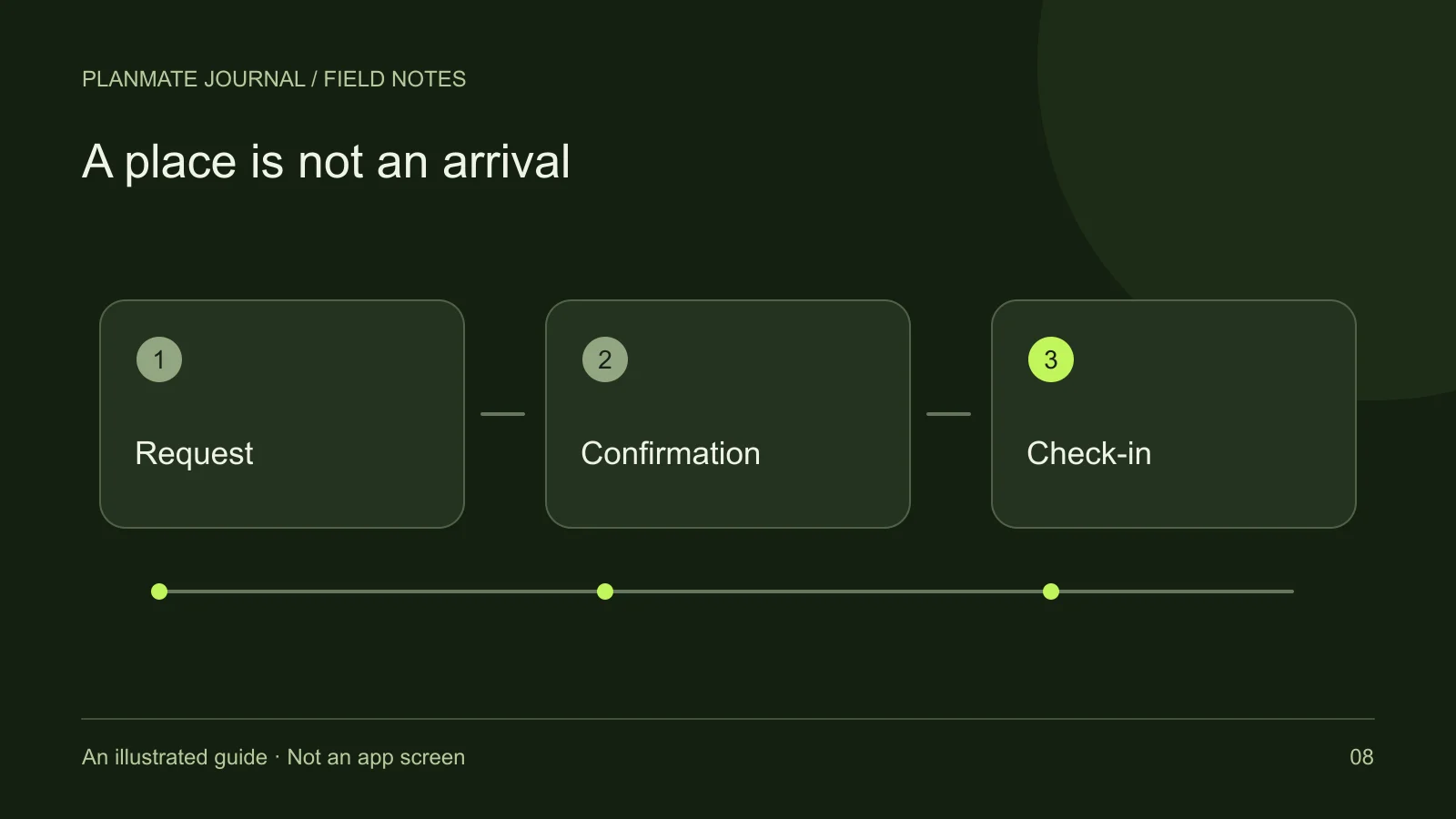
For the full sequence from request to arrival, read booking and attendance. For preparation before publishing, return to creating your first plan. Reliable hosting is a series of small, understandable decisions—not a promise that every meetup will run perfectly.